Ideas into artwork
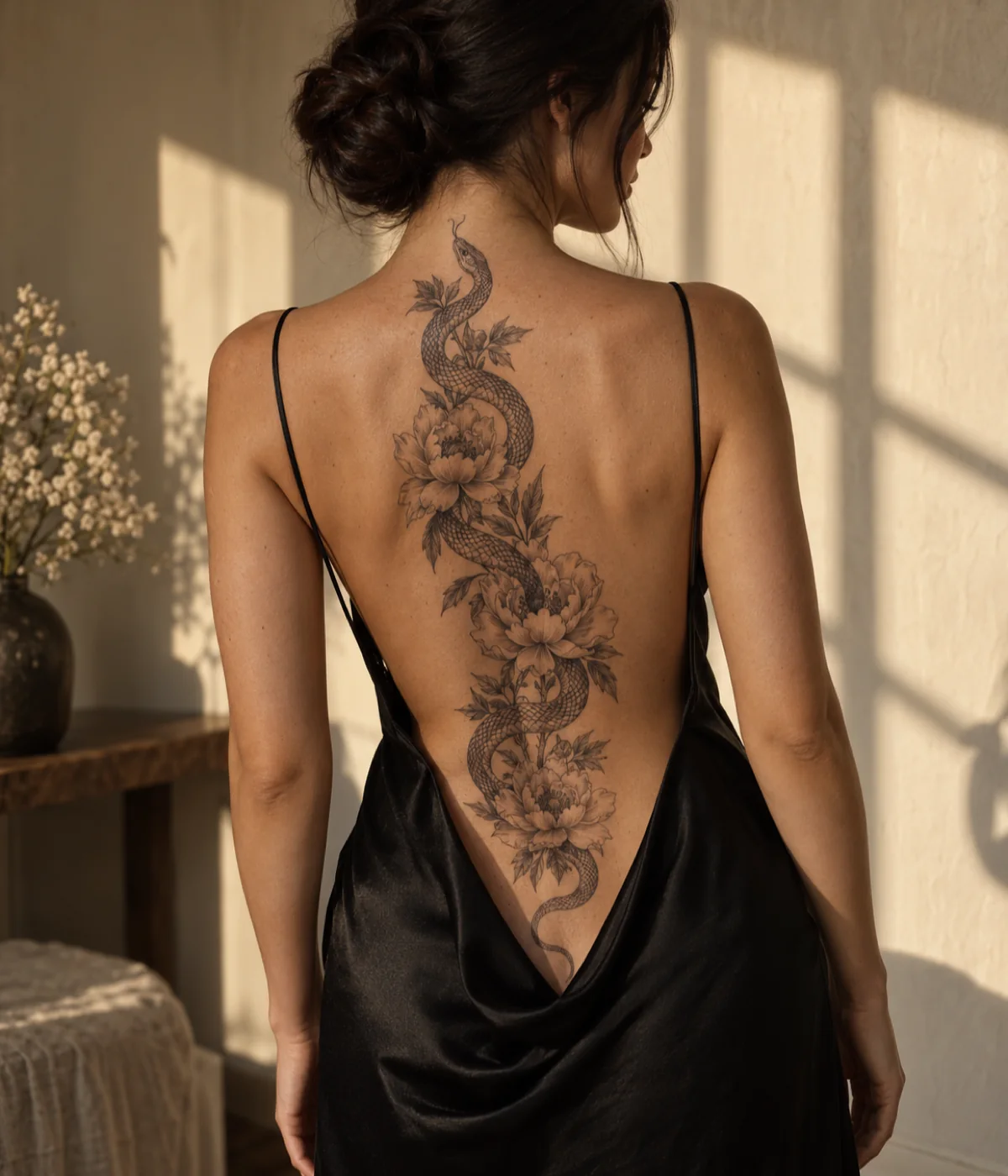
Describe a subject, memory or symbol and see it as an AI tattoo design in seconds. Reference images and personal details steer the direction.
 Tatany
Turn a few words, a photo or a name into an AI tattoo design, then see it on your body before you book.
01 · How it works
No drawing skills needed. The free AI tattoo design generator does the sketching while you make the choices that matter.
 1
1Type a memory, an animal, a name or a symbol, or upload a photo. Pick a style and a body placement so the tattoo design is shaped for where it will live.
 2
2Get finished artwork in seconds, then remix it, switch the style or add lettering until one AI tattoo design feels right.
 3
3Place the design on a photo of your arm, back or ankle, adjust the size and angle, and download a reference for your tattoo artist.
02 · The tools
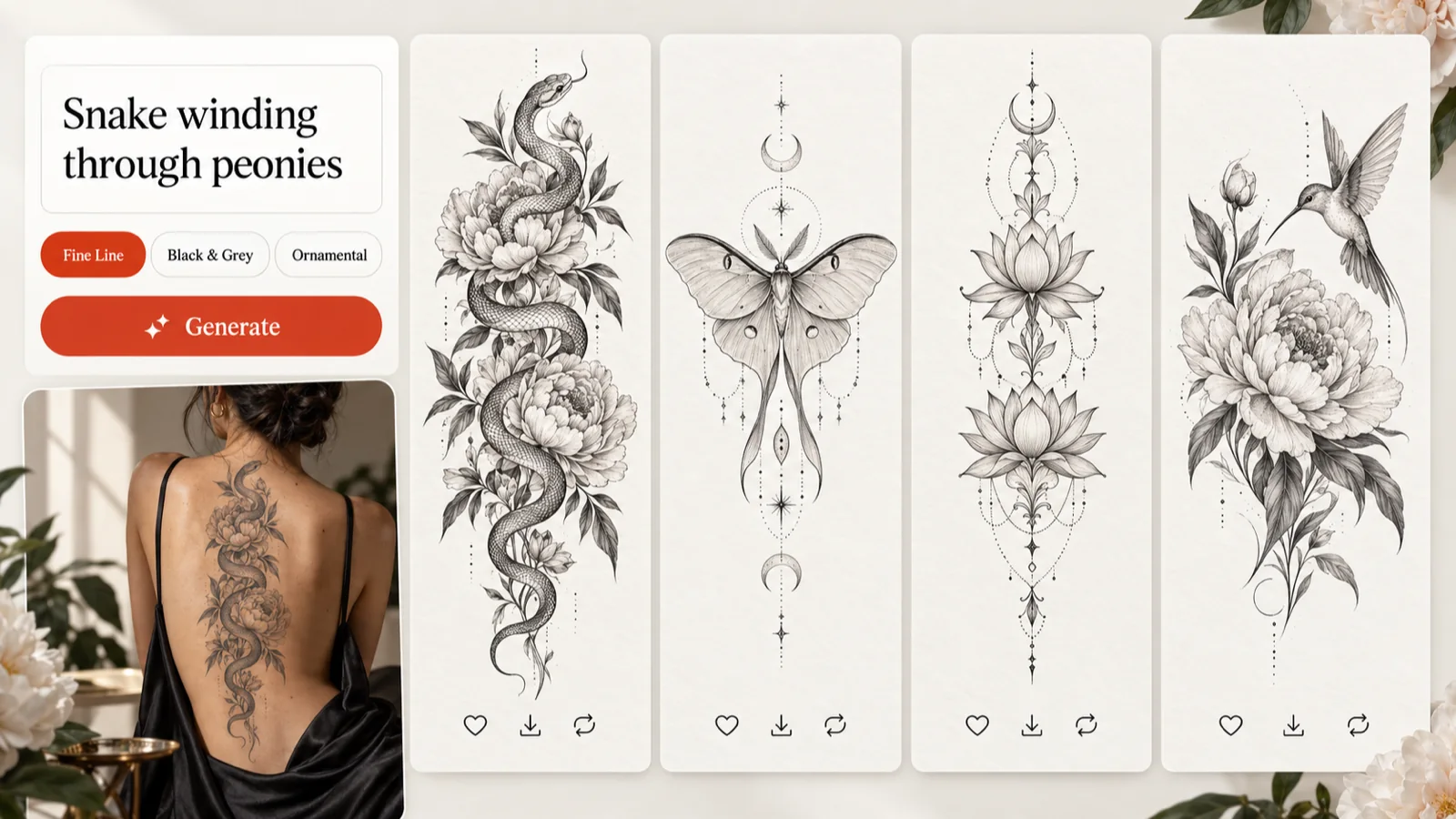
Describe a memory, an animal or a symbol in plain words and the AI tattoo generator turns it into a finished tattoo design in fine line, blackwork, Japanese and many more styles. Set the placement and proportions first, so the artwork is shaped for a forearm, spine or ribs instead of a blank square.
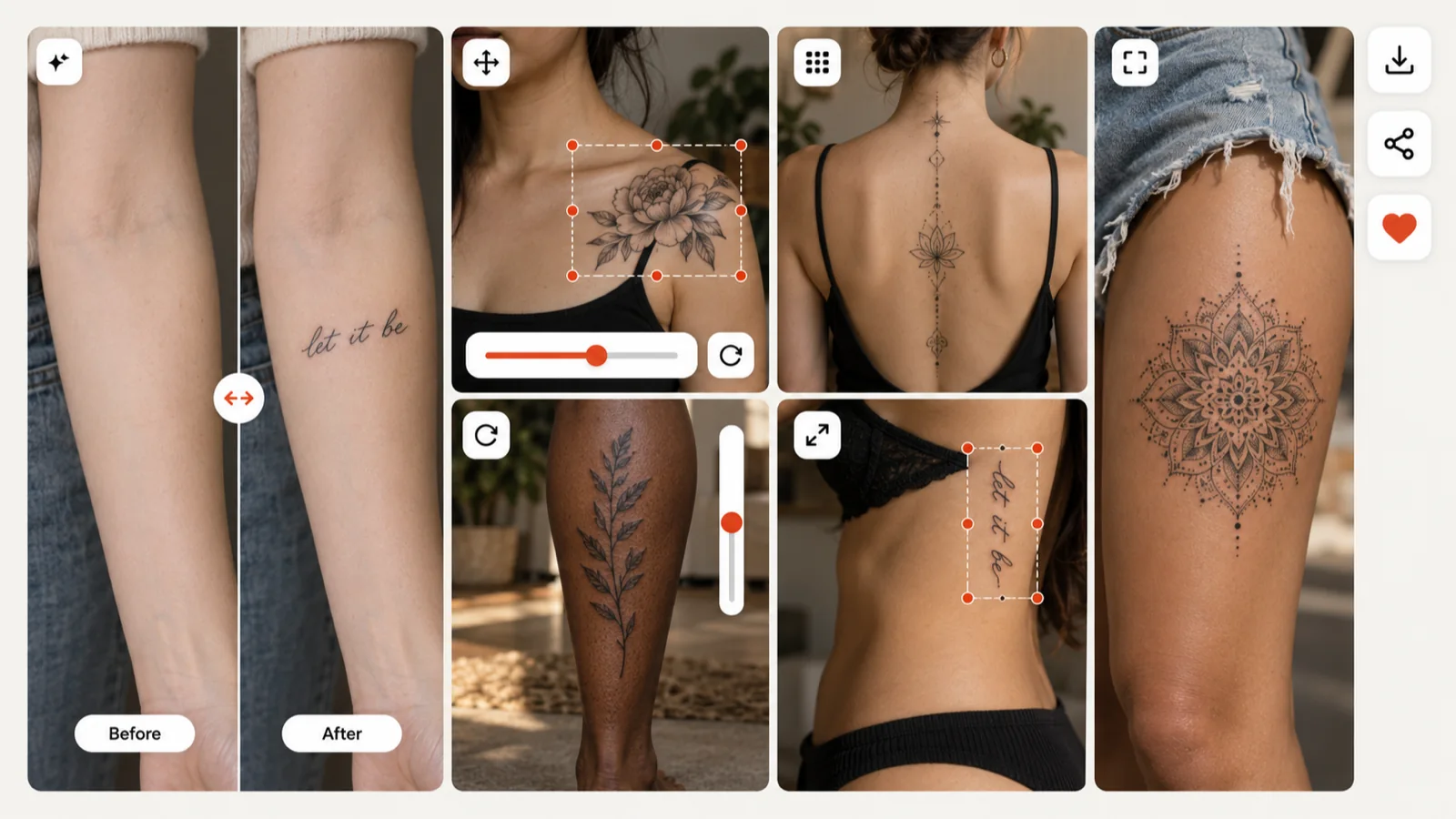
Drop any tattoo design onto a photo of your own arm, back or ankle, then move, scale and rotate it until the size feels right. The virtual tattoo try-on saves that preview, so your artist sees exactly where you want the piece.
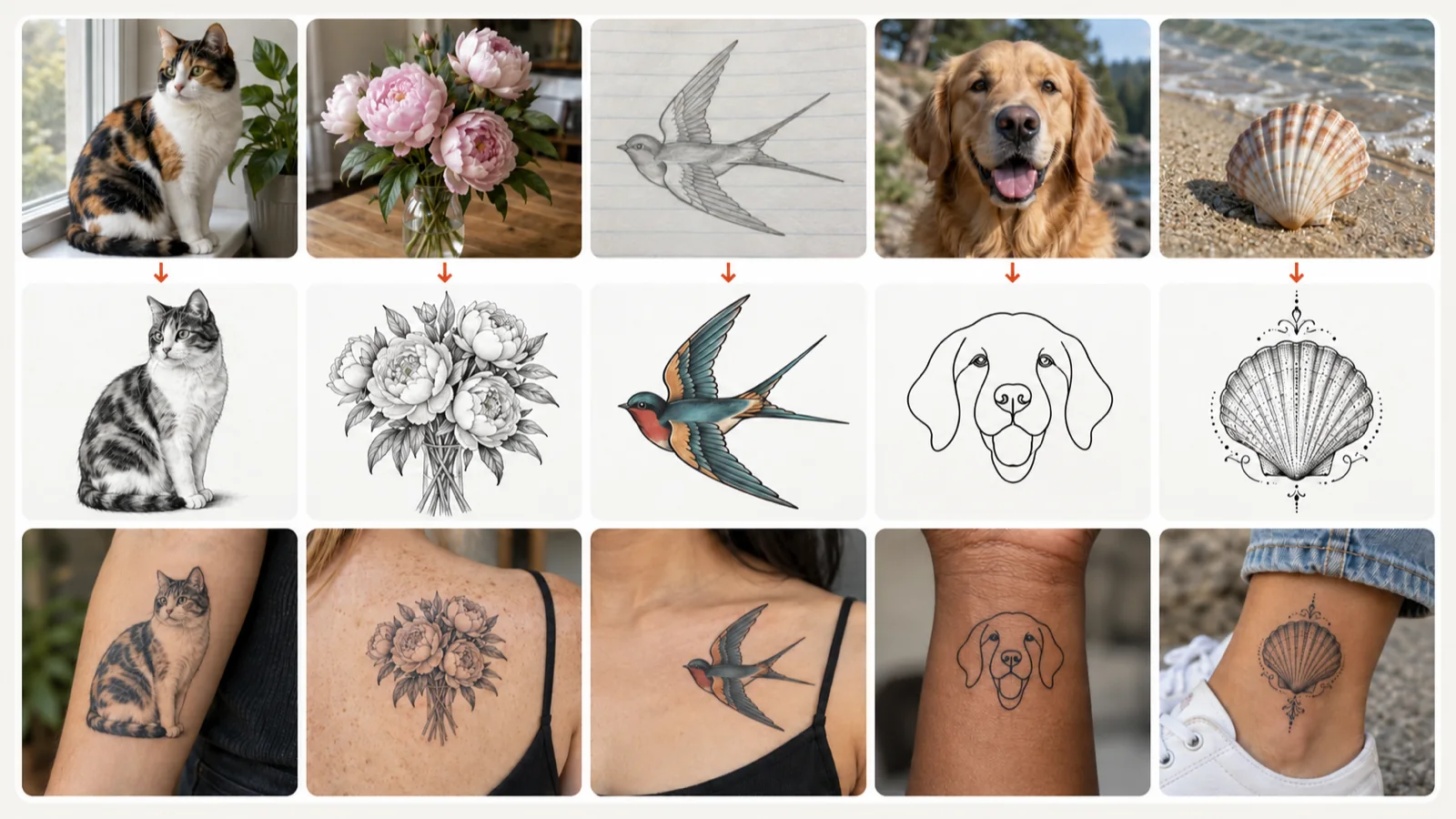
Upload a pet portrait, a bouquet or a pencil sketch and Image to Tattoo redraws it as an AI tattoo design while keeping the subject recognizable. Switch between realism, single-line and bolder styles, and compare each version with the original photo.
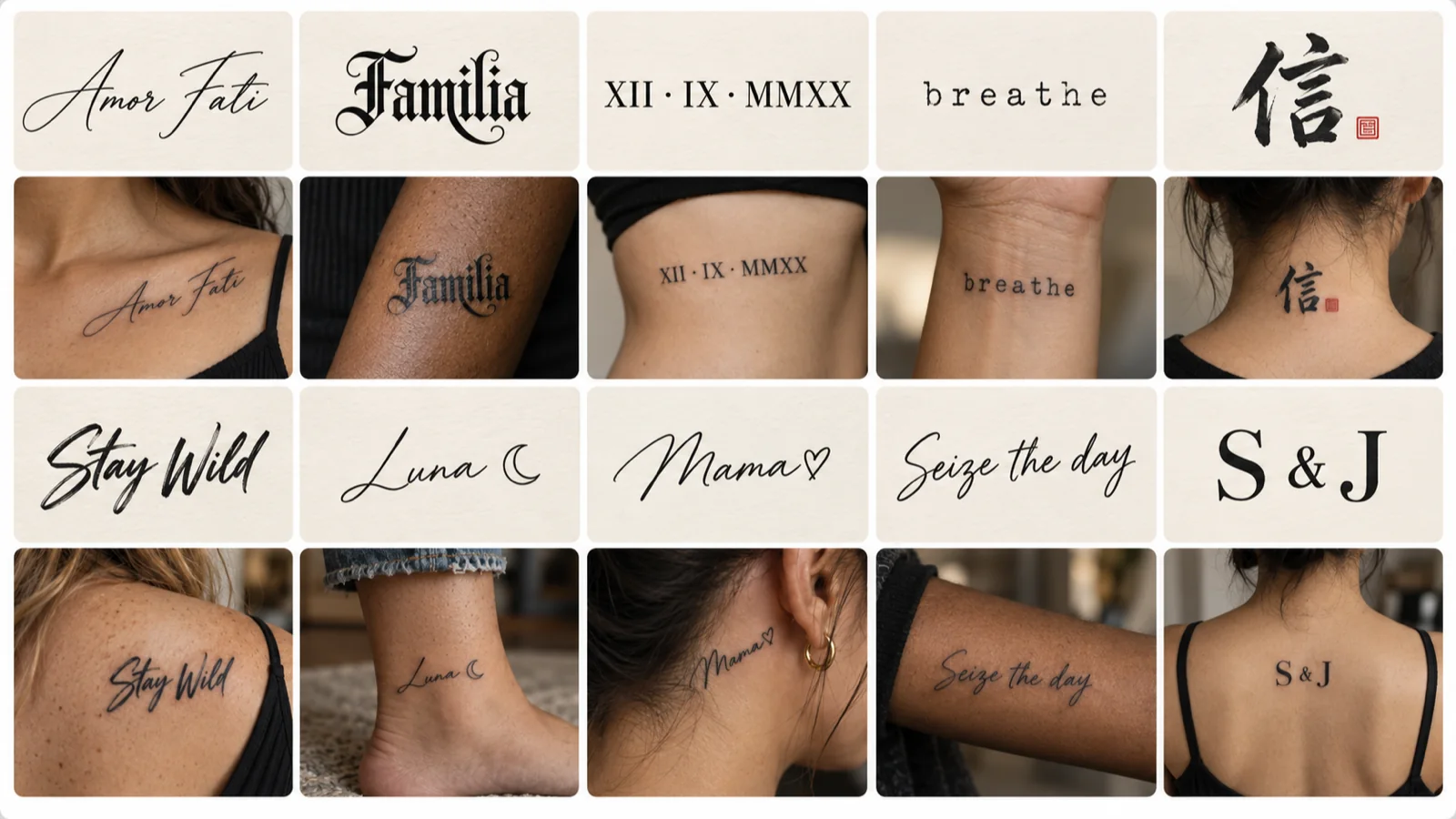
Type a name, a date or a short quote and the tattoo font generator sets it in 19 classic lettering styles at once, without spending credits. Try ink colors and skin tones, export a PNG, or switch to AI Lettering for an ornate script.
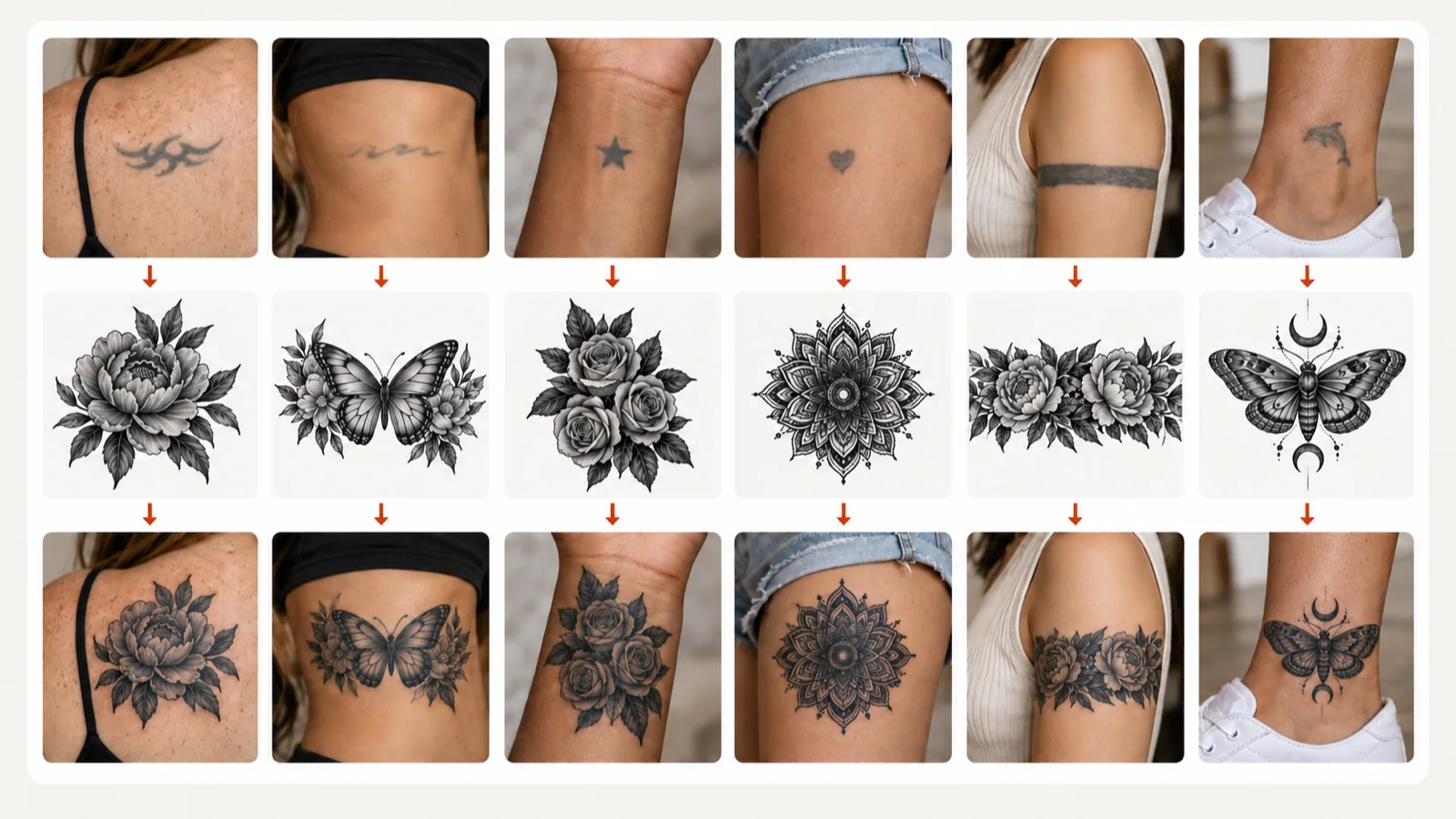
Photograph an old or faded tattoo, brush over the part you want gone, and the AI tattoo cover up tool proposes a new tattoo design dense enough to hide it. Pick Full Cover for a fresh start or Rework & Extend to build on the lines you already have.
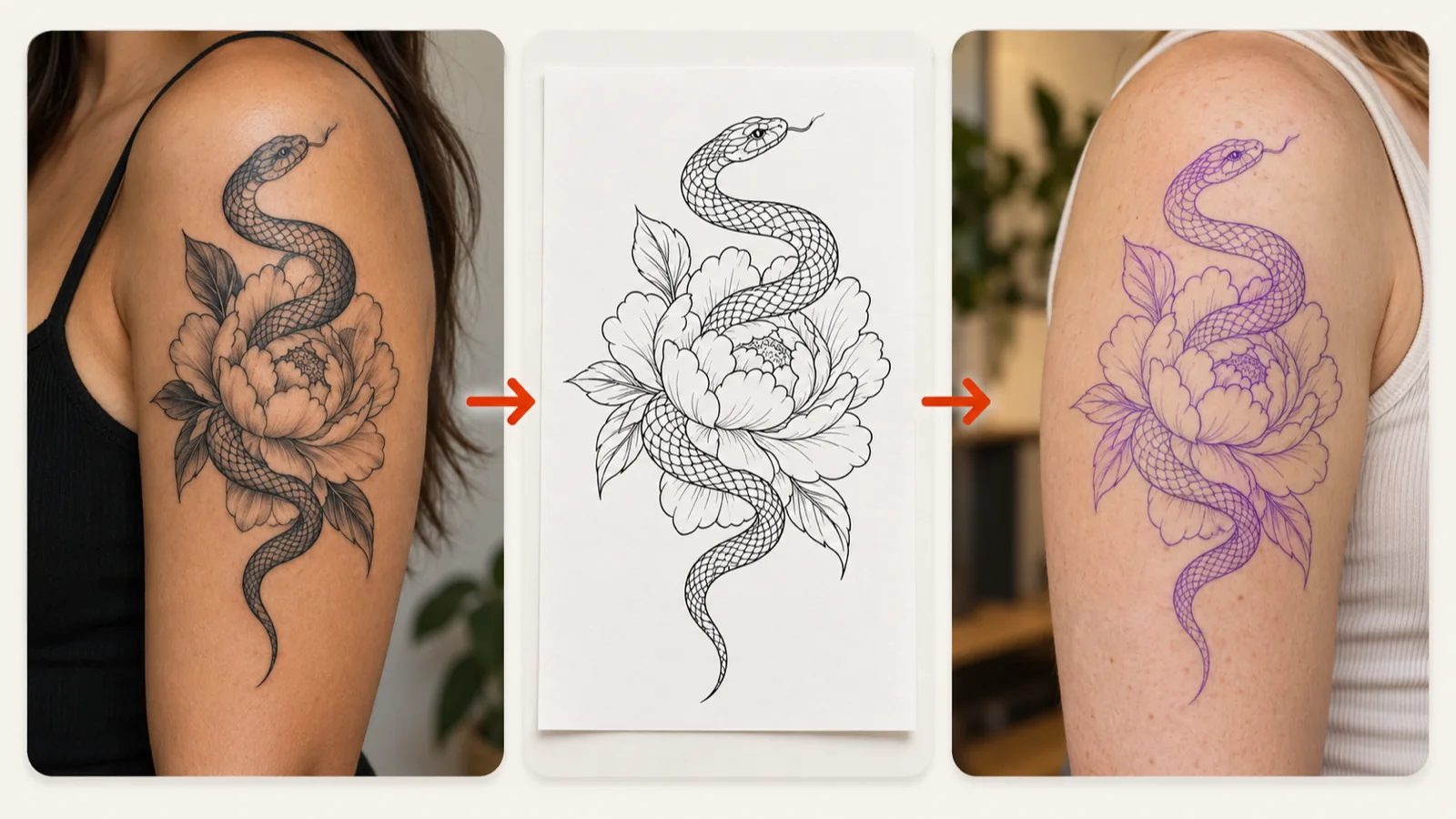
Turn a tattoo photo or finished artwork into clean linework your artist can transfer.
Make a tattoo stencil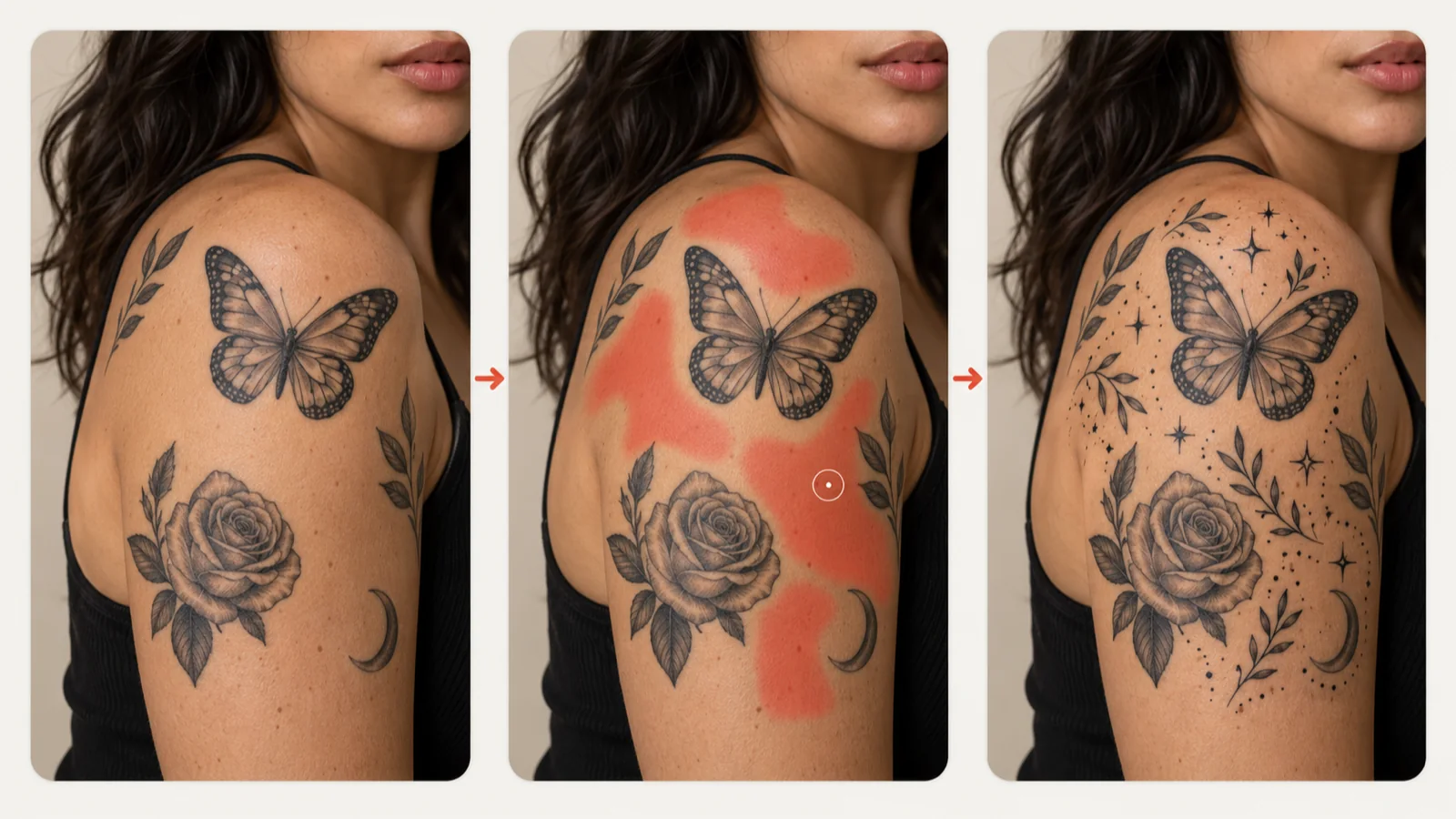
Fill the gaps between existing pieces with stars, leaves or dotwork that match your ink.
Fill tattoo gaps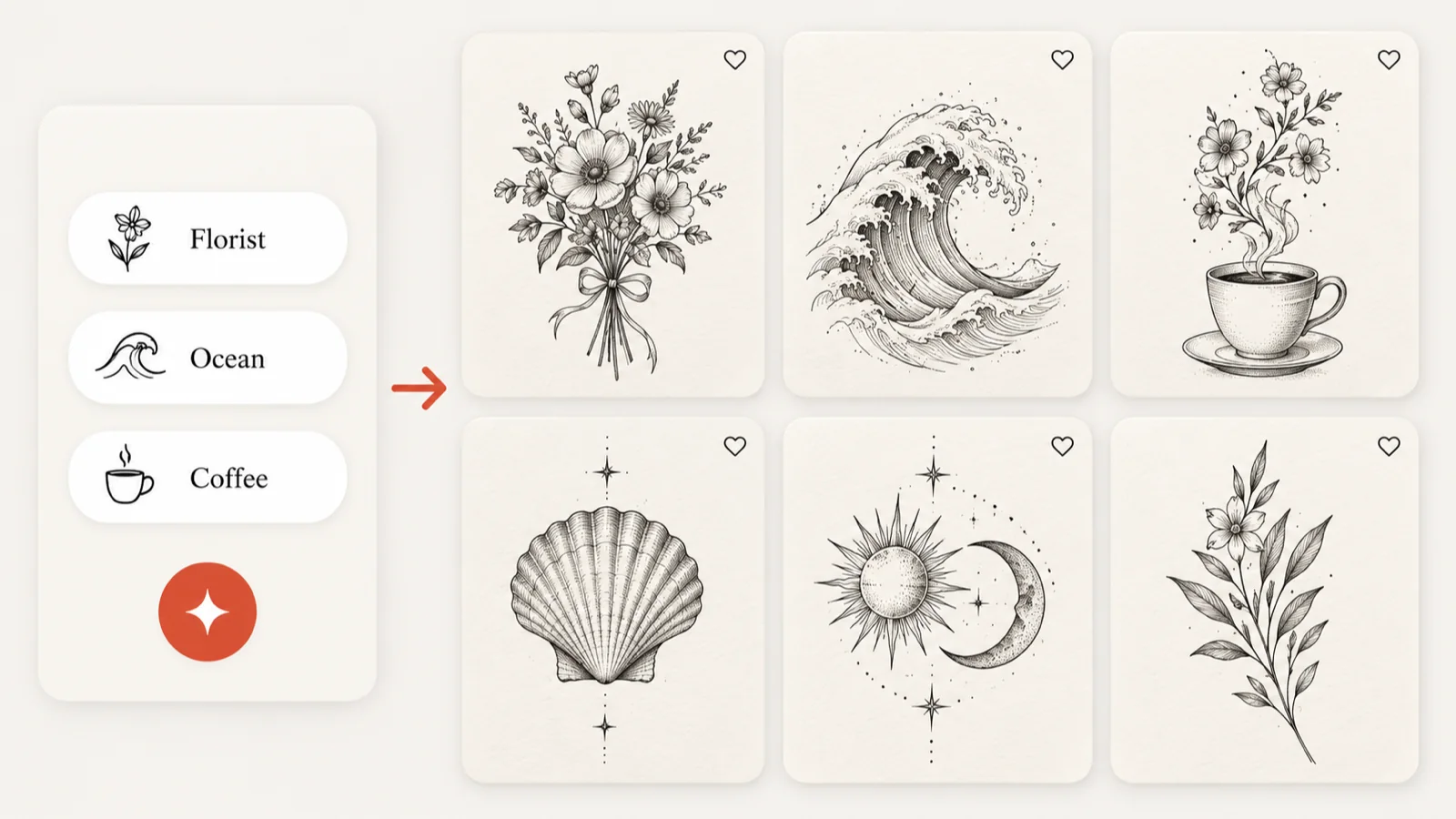
Share your hobbies and your story to get six AI tattoo design ideas to start from.
Find tattoo ideas03 · The flash wall
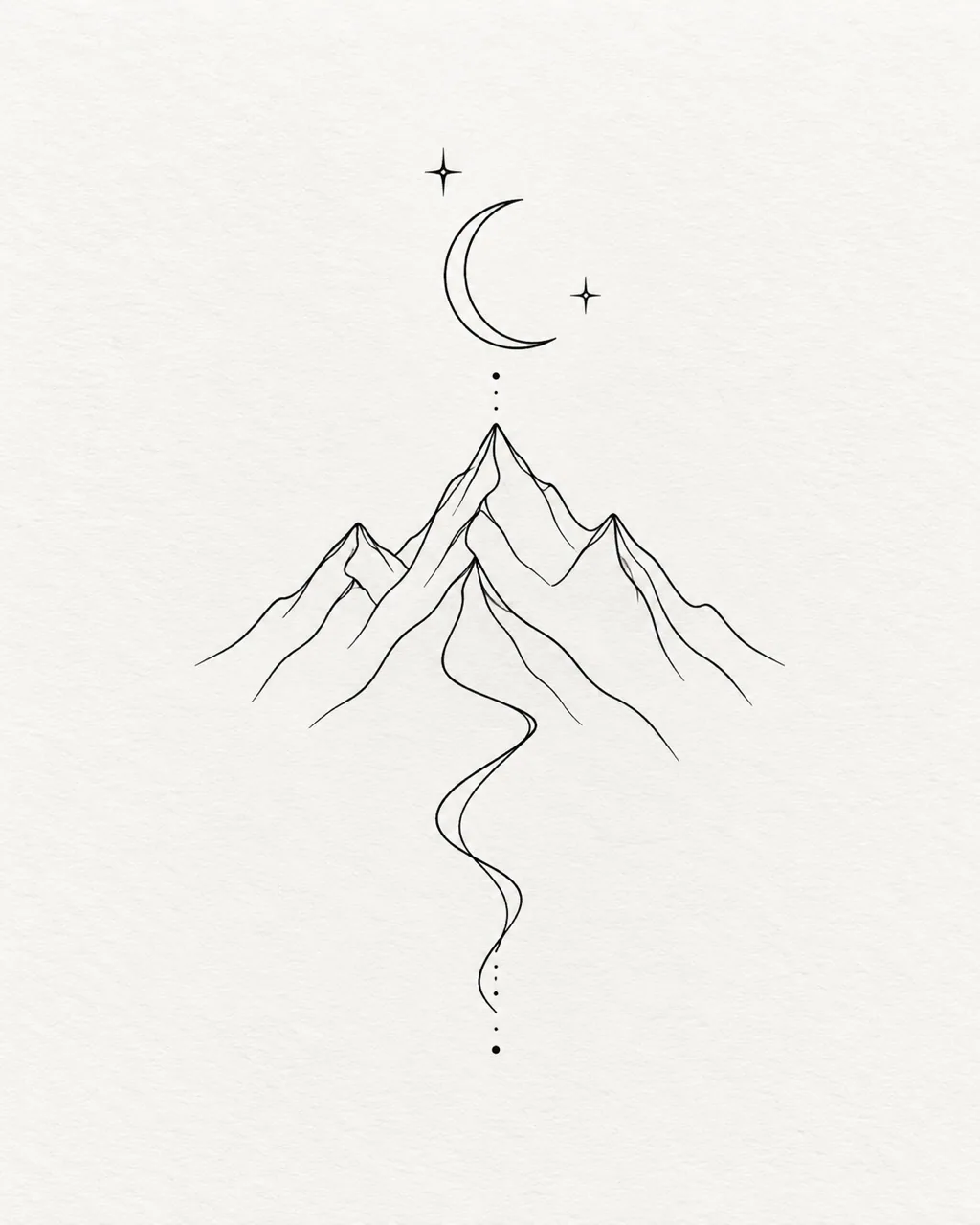
Few lines, lots of meaning
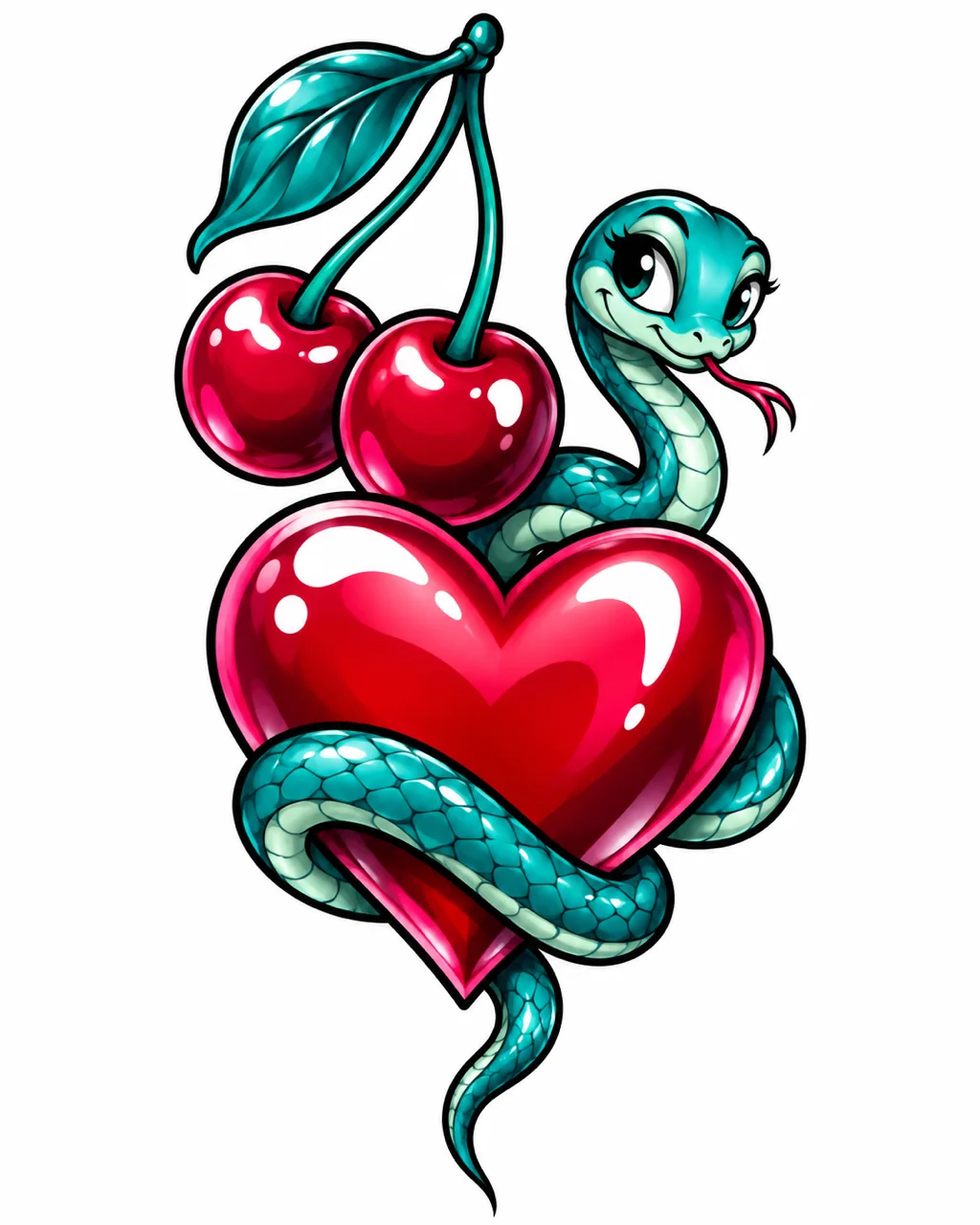
Bold outlines and cartoon color
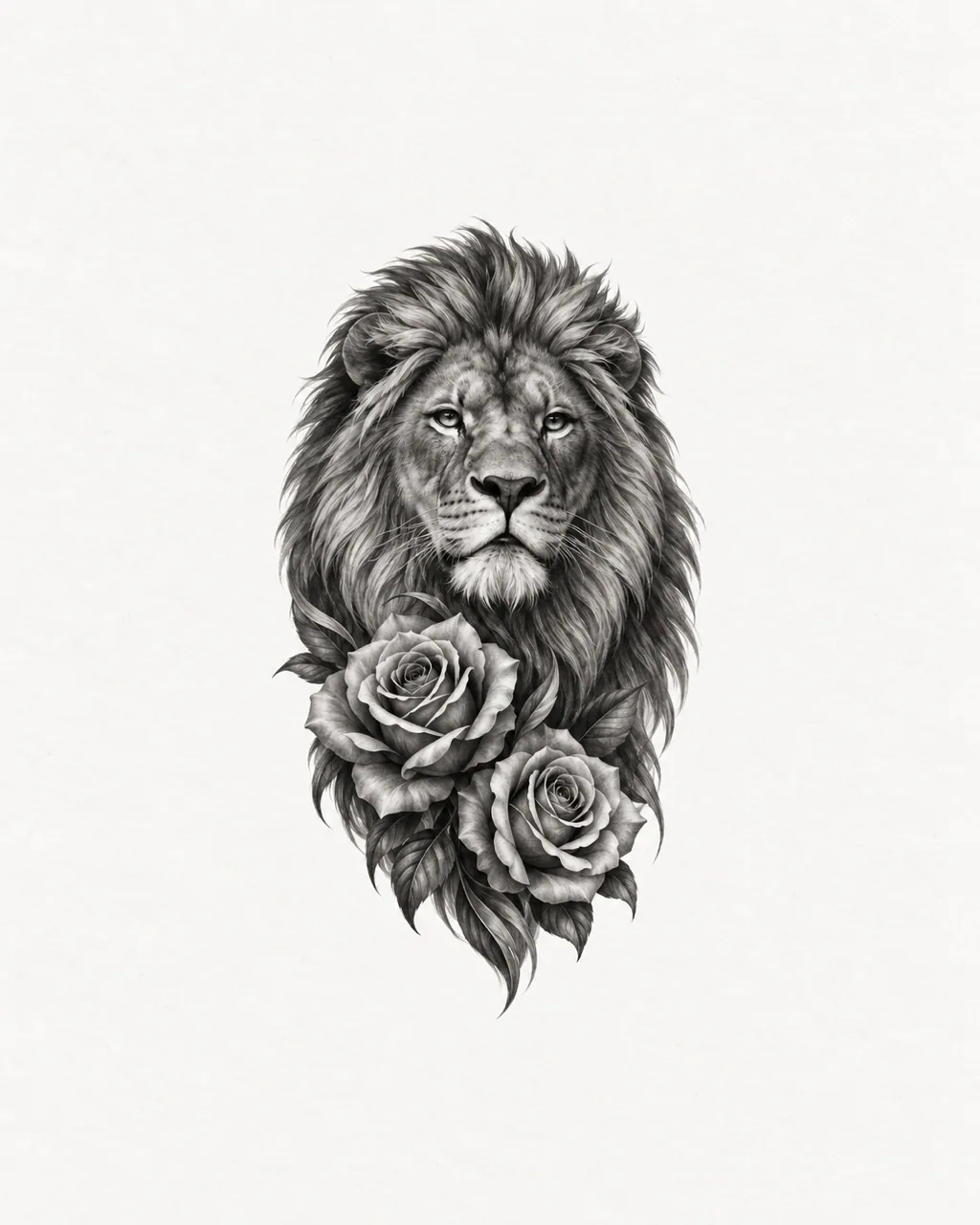
Soft shading in a single ink
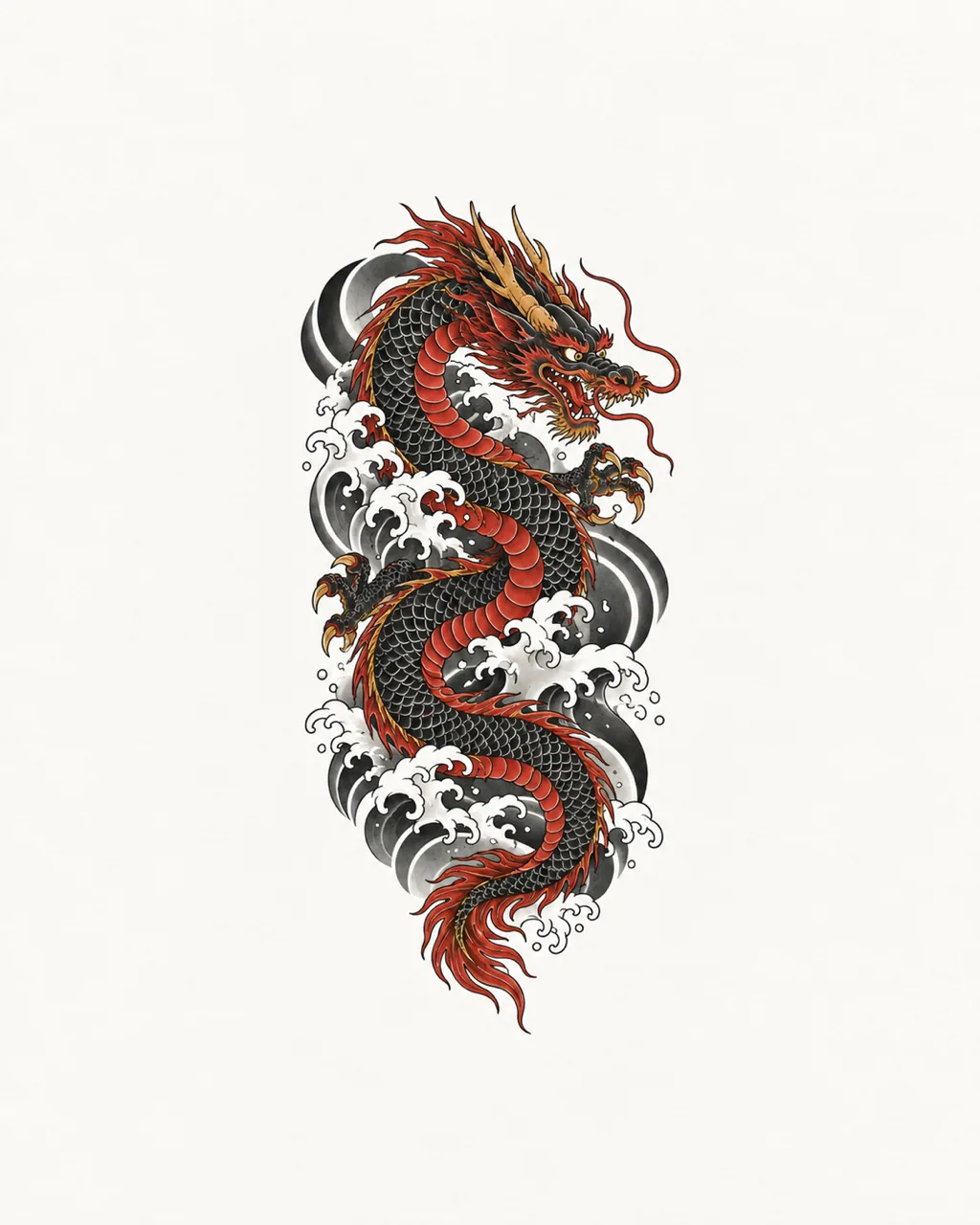
Waves, koi and flowing flora
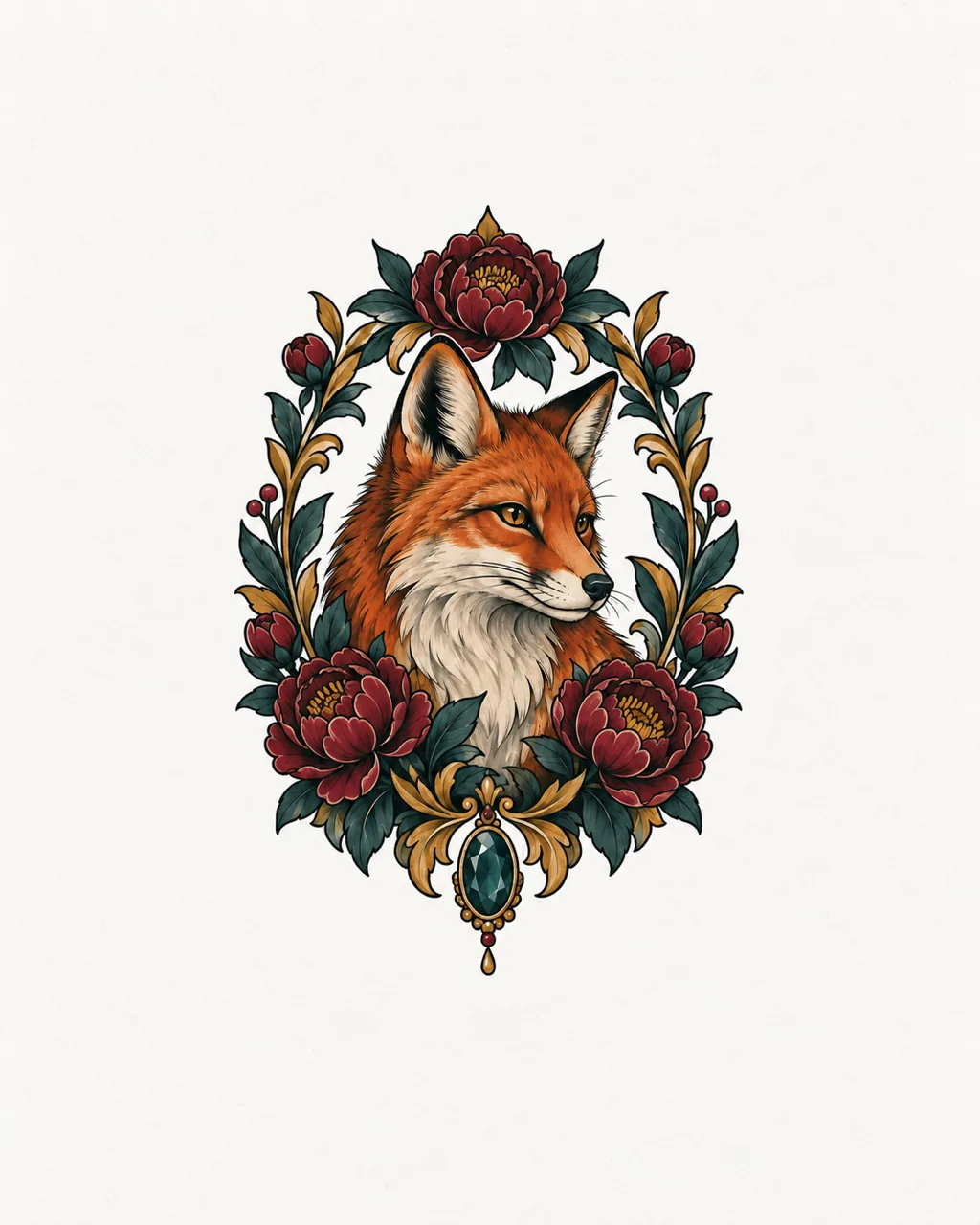
Rich color with ornate framing
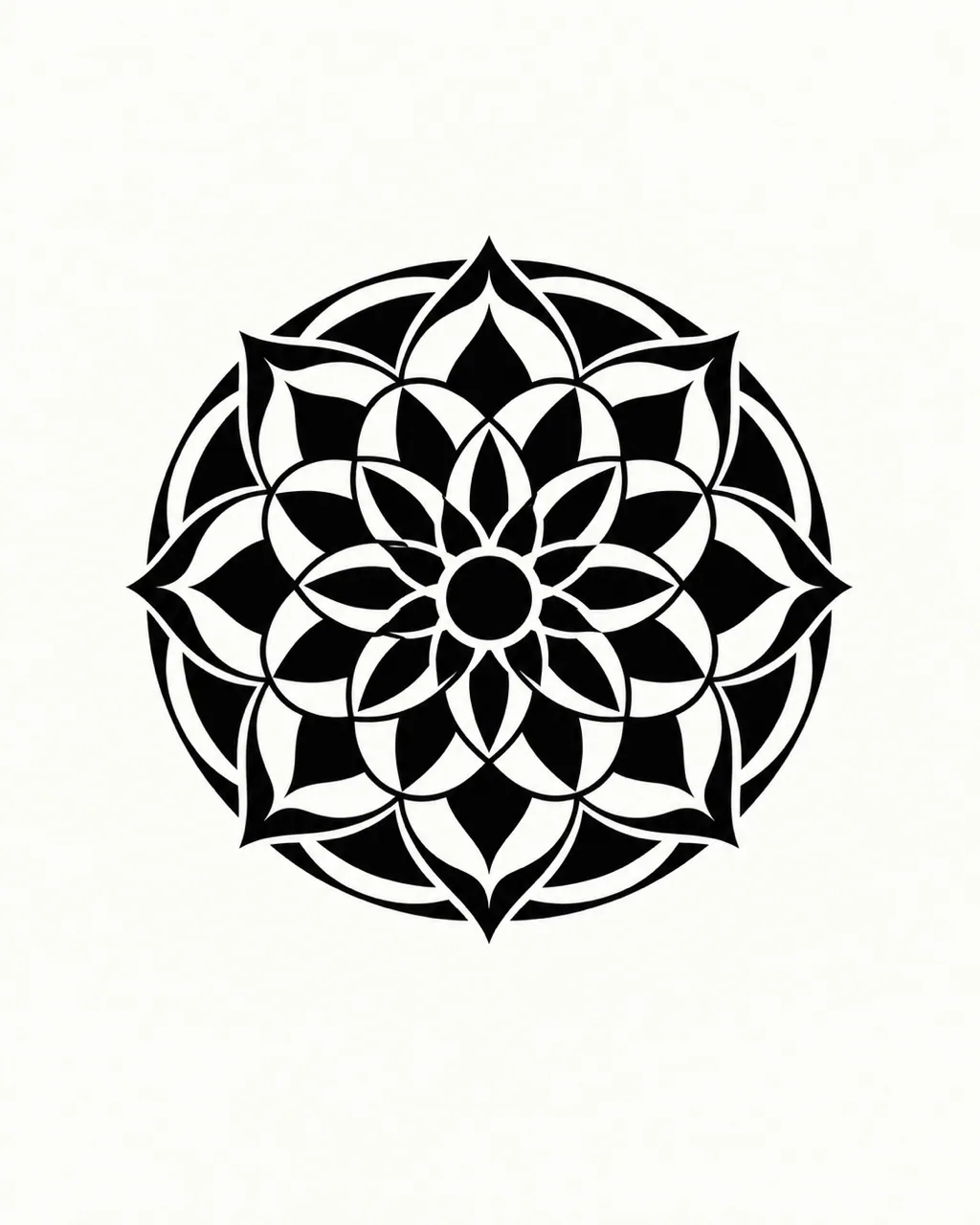
Solid black and graphic shapes
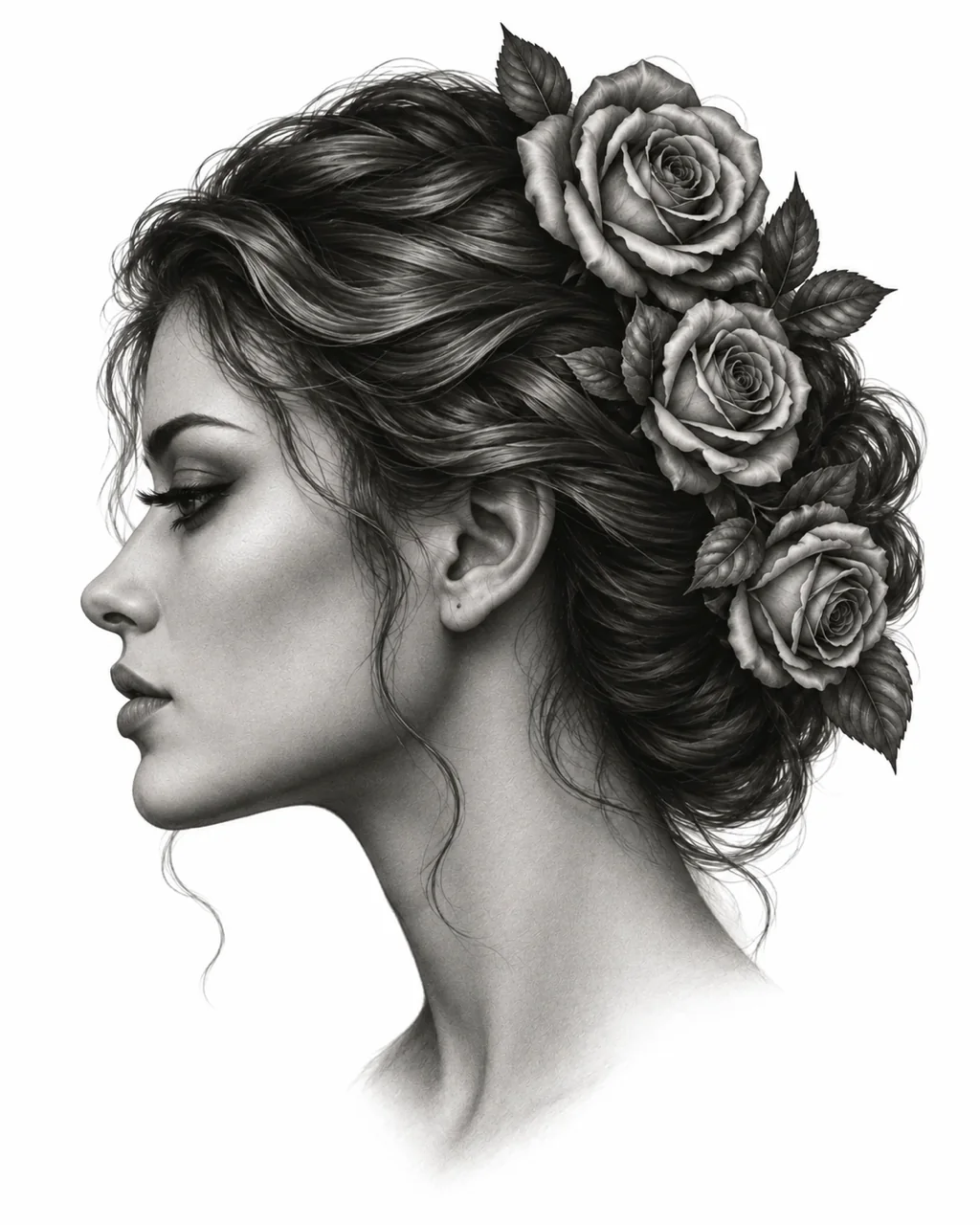
Portraits with photographic detail
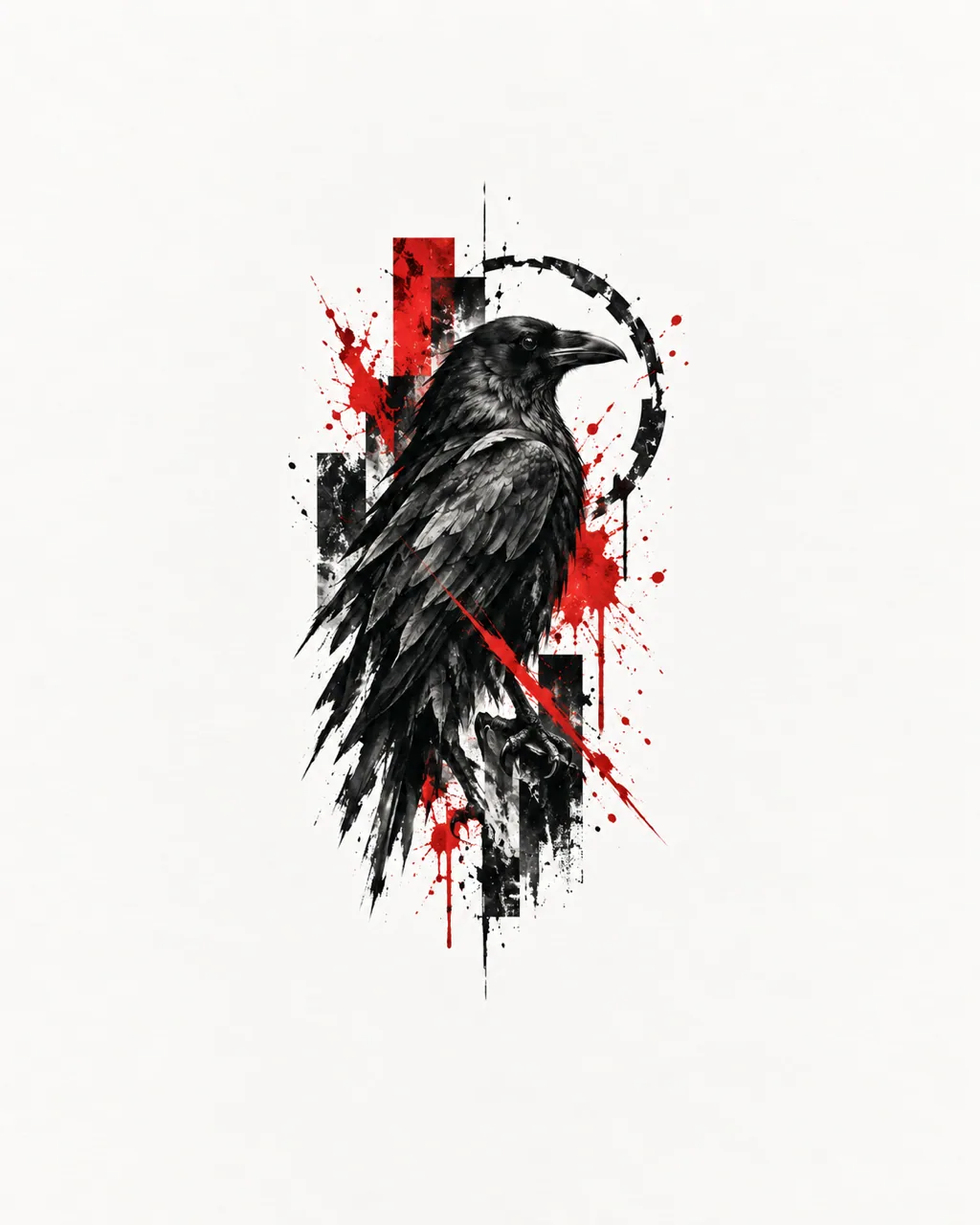
Black, red and collage energy
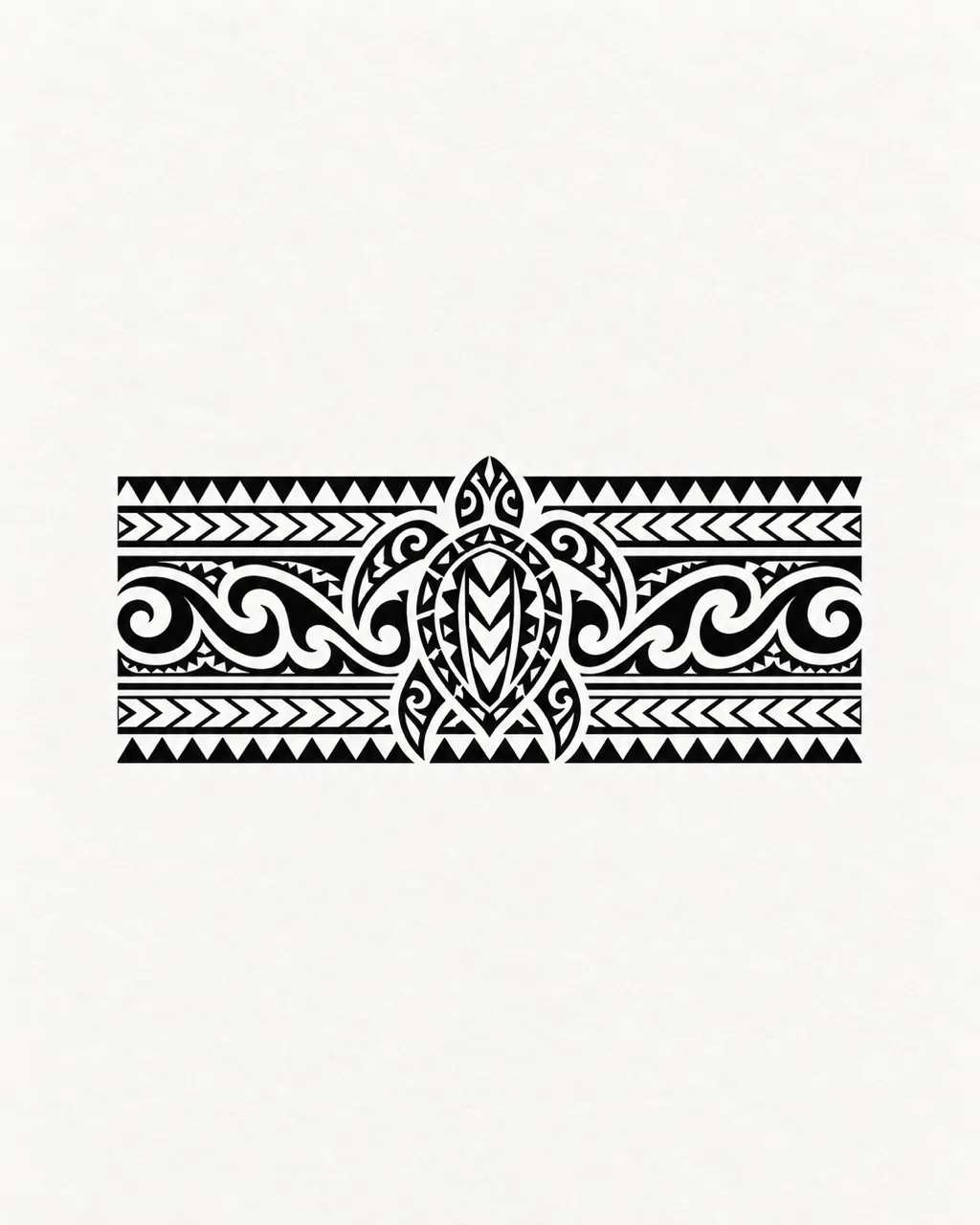
Heavy pattern with deep roots
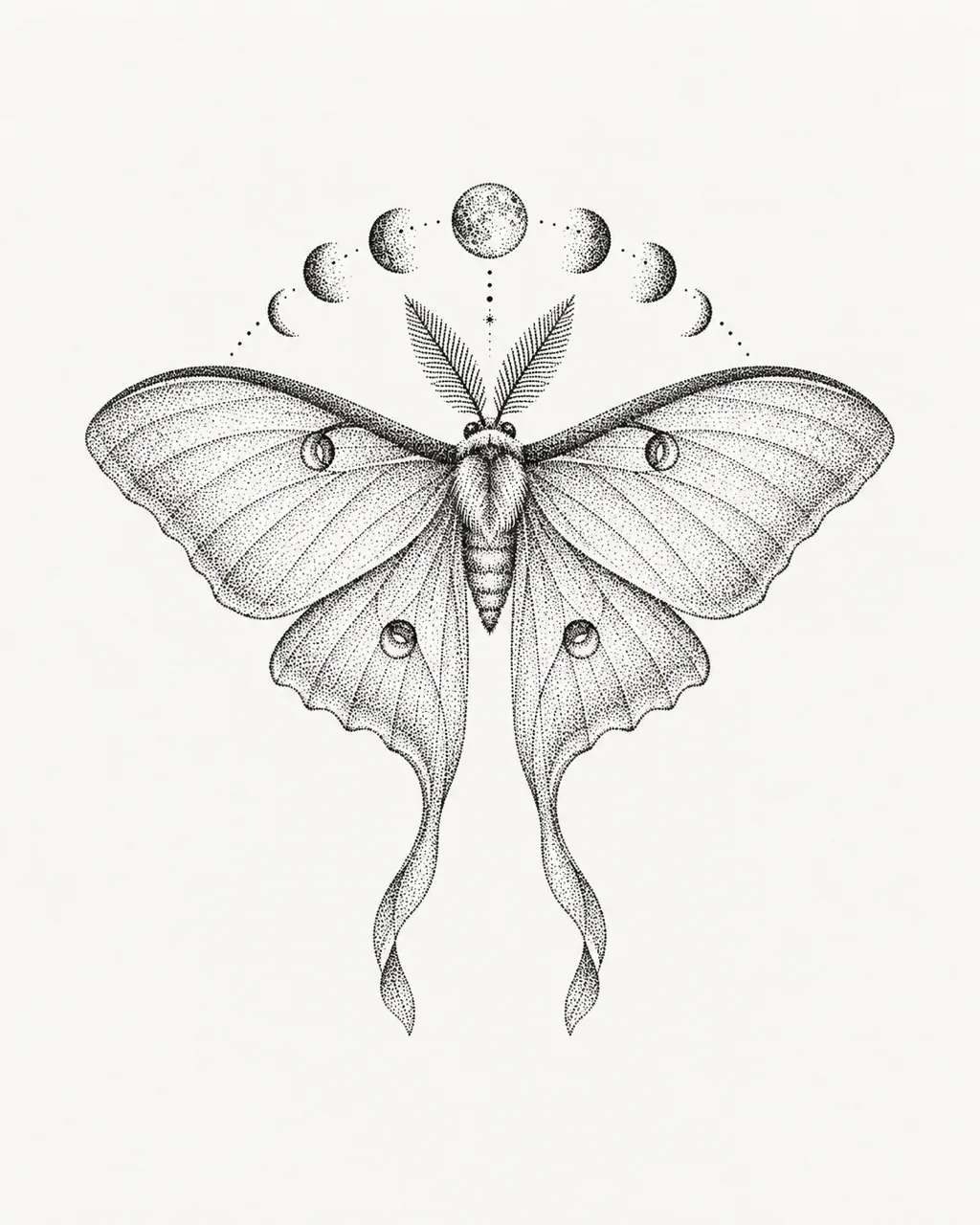
Stippled gradients and mandalas
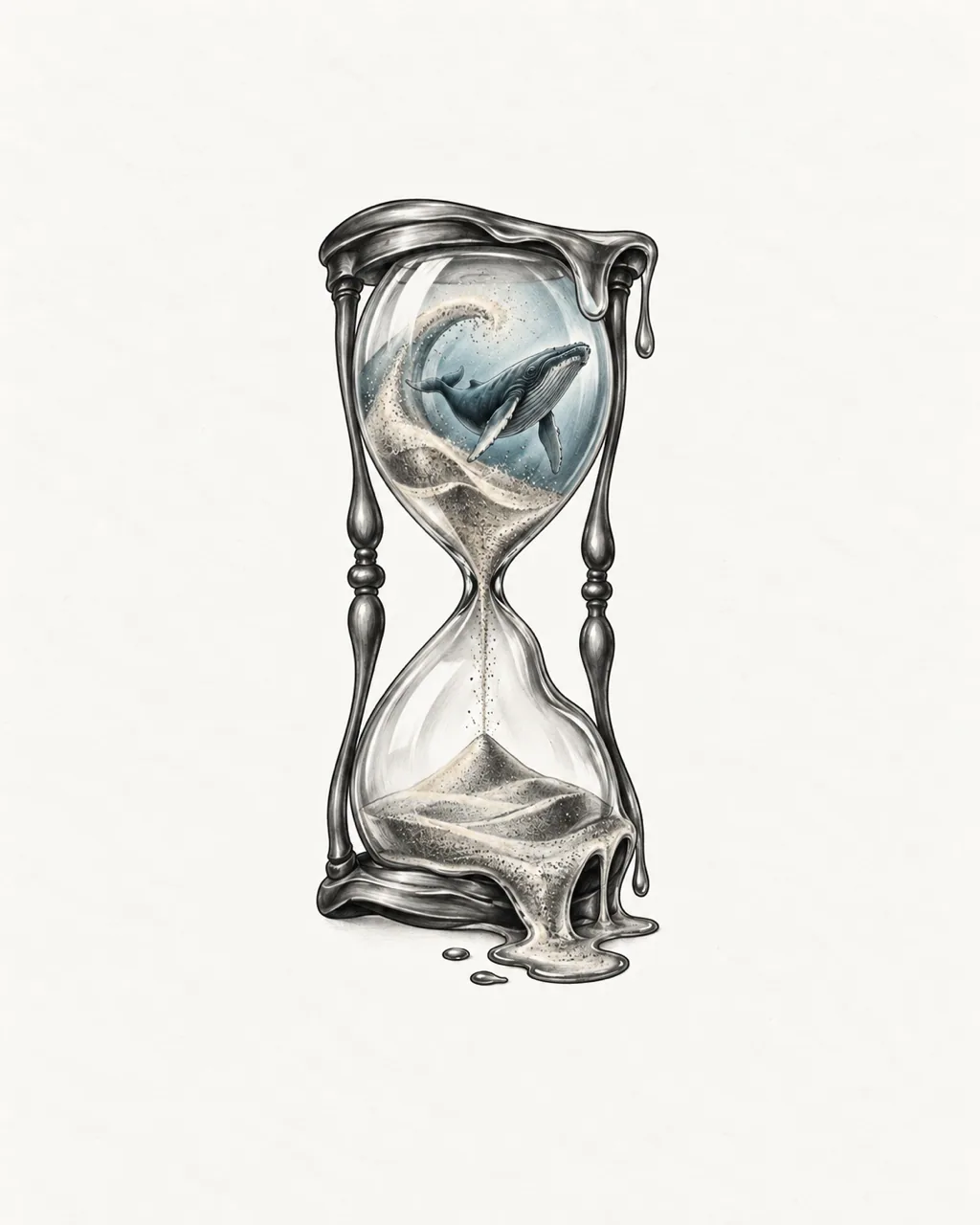
Dreamlike, impossible scenes
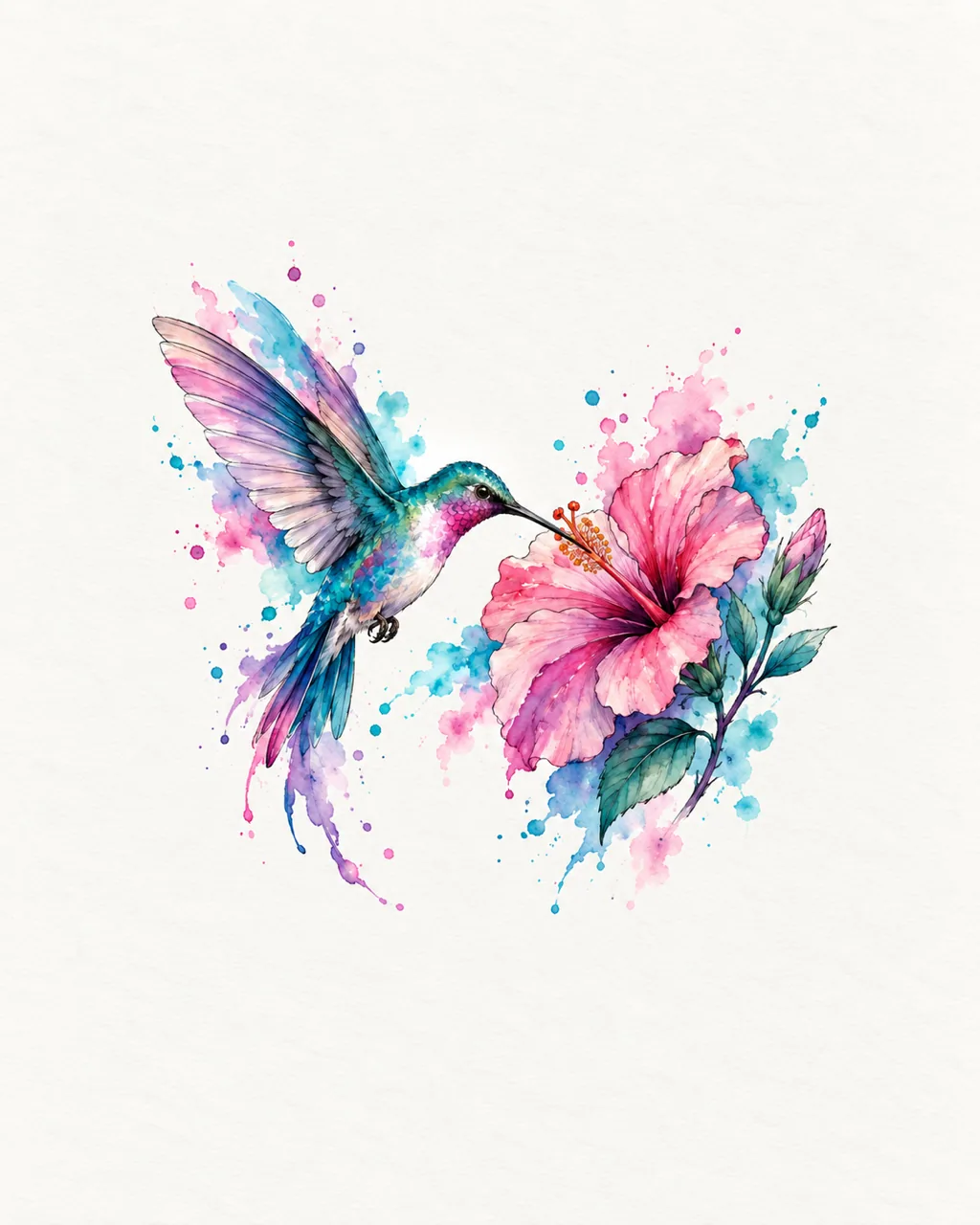
Washes of color without hard edges
04 · The studio
Describe a subject, memory or symbol and see it as an AI tattoo design in seconds. Reference images and personal details steer the direction.
Carry one design into lettering, a stencil or a placement preview. Remix and Try On keep the image you chose.
Choose the style, body placement, proportions and complexity that suit your story, then compare saved versions.
Move, resize and rotate artwork on a body photo and save the preview for your consultation.
Generate new versions, keep favorites in My Ink and download the files your artist needs.
Paid plans unlock private designs, HD and watermark-free downloads. Going private revokes any public link.
05 · Pricing
Use the free AI tattoo design generator every day, then pick a plan for watermark-free HD downloads, private designs, print-ready stencils, 4K and more generations at once.
For planning a first tattoo or a few ideas
What's included
For collectors and frequent sketching
What's included
For tattoo artists and studios
What's included
Secure payment · Daily free generation is separate from paid credits
06 · Stories
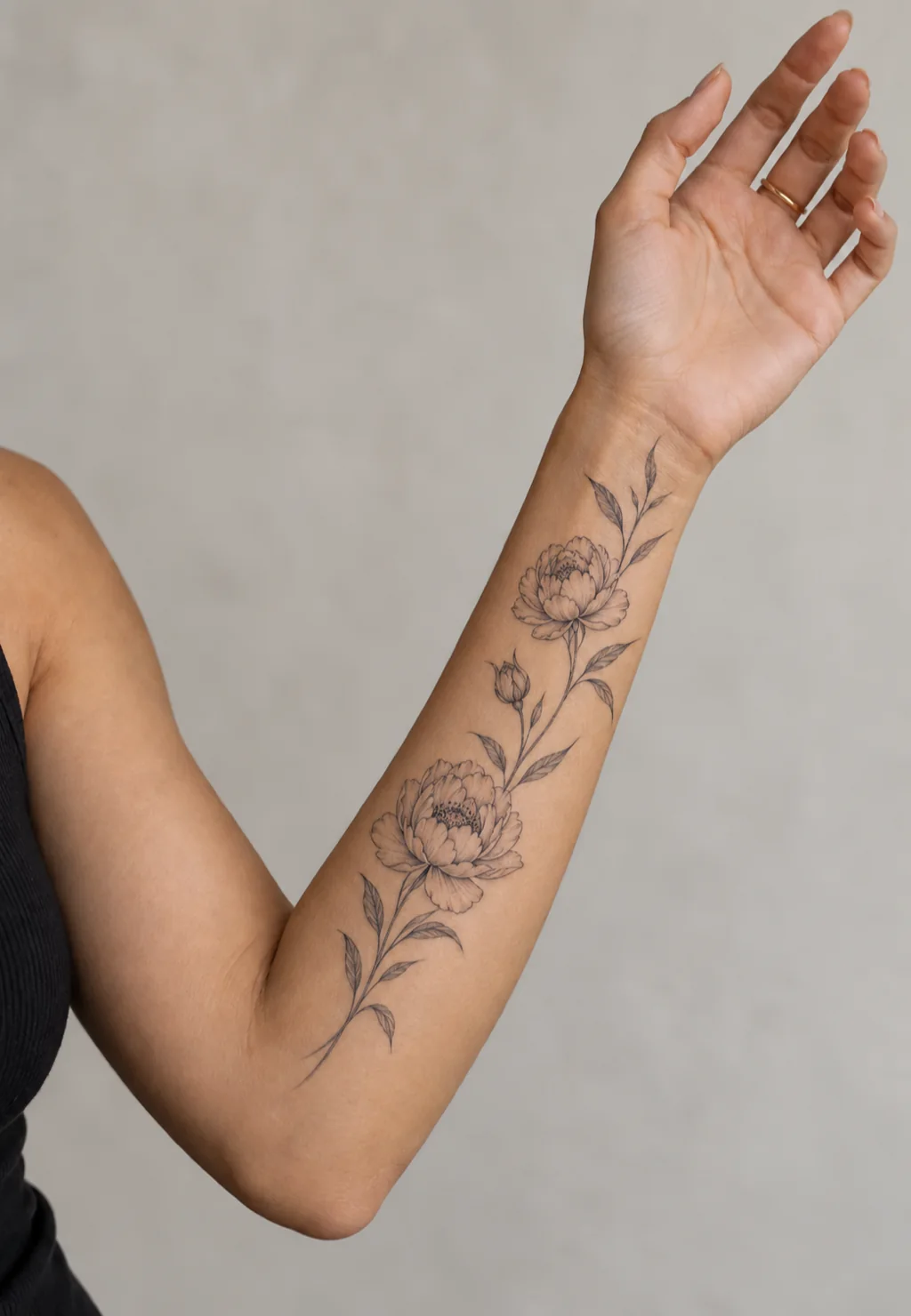
I knew I wanted something delicate but had no picture in my head. Three prompts later I had a fine line peony I actually booked.
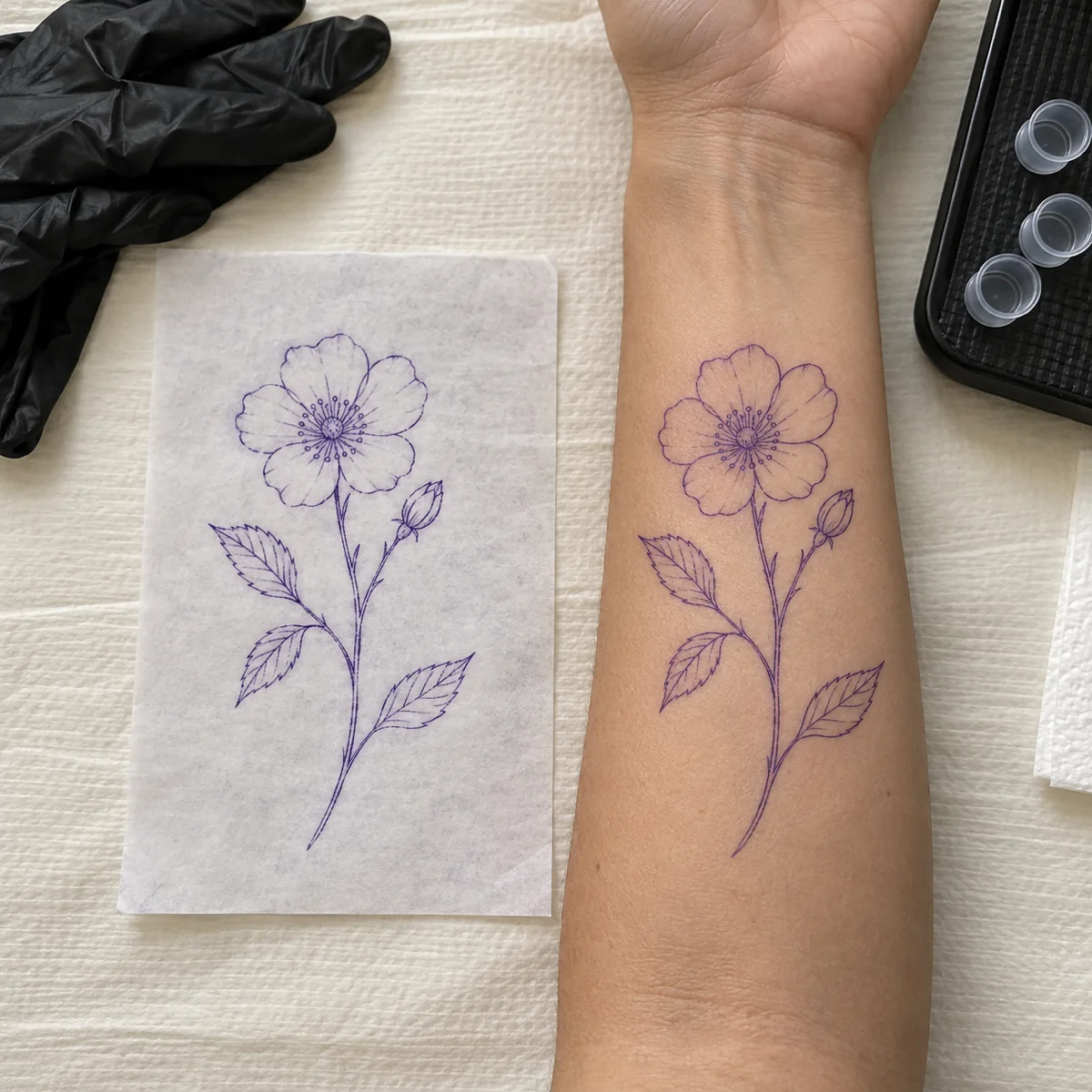
Clients now arrive with an AI tattoo design and a placement photo. We spend the consultation refining instead of guessing.
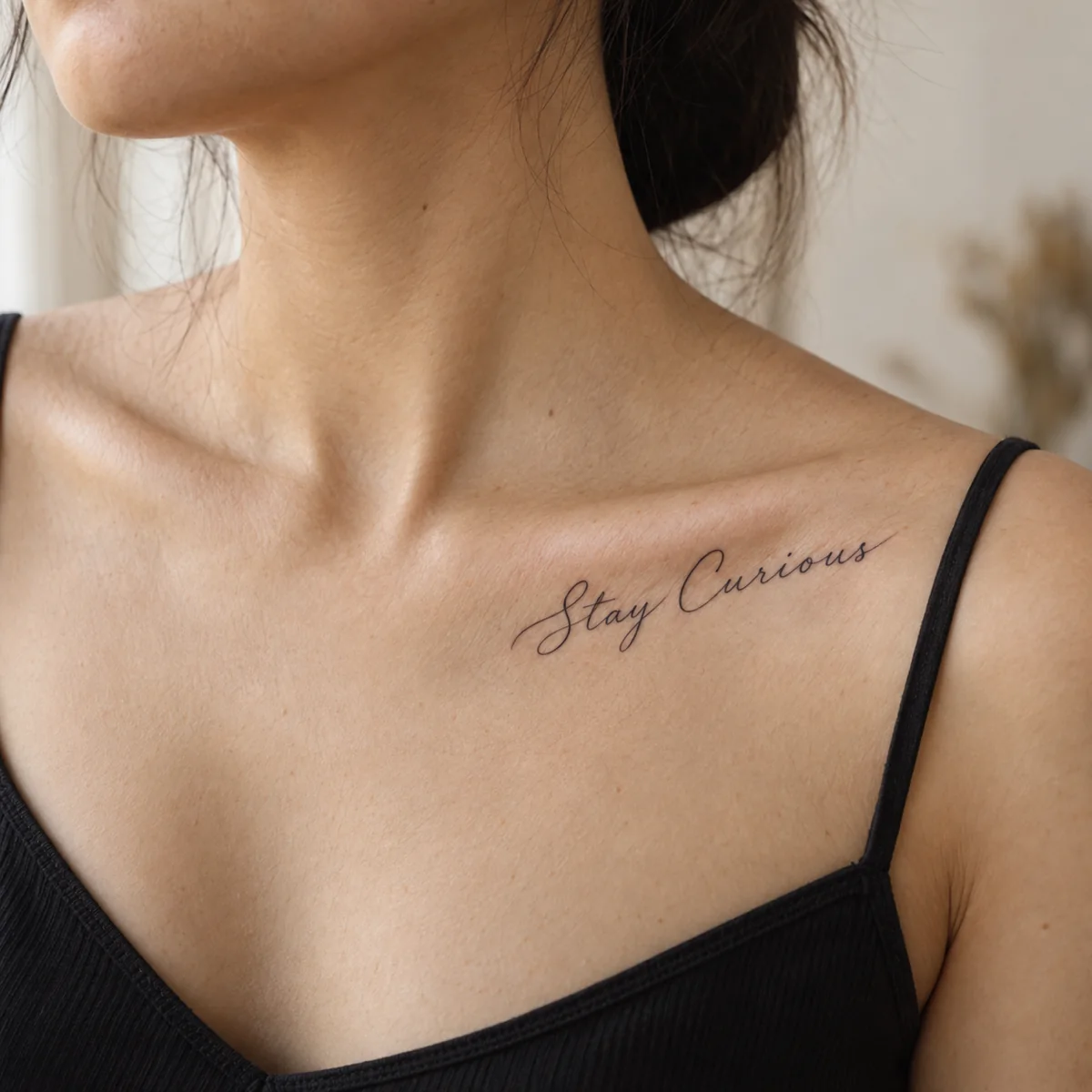
Seeing my phrase in nineteen fonts on my own skin tone made the choice easy. The lettering preview settled a month of doubt.
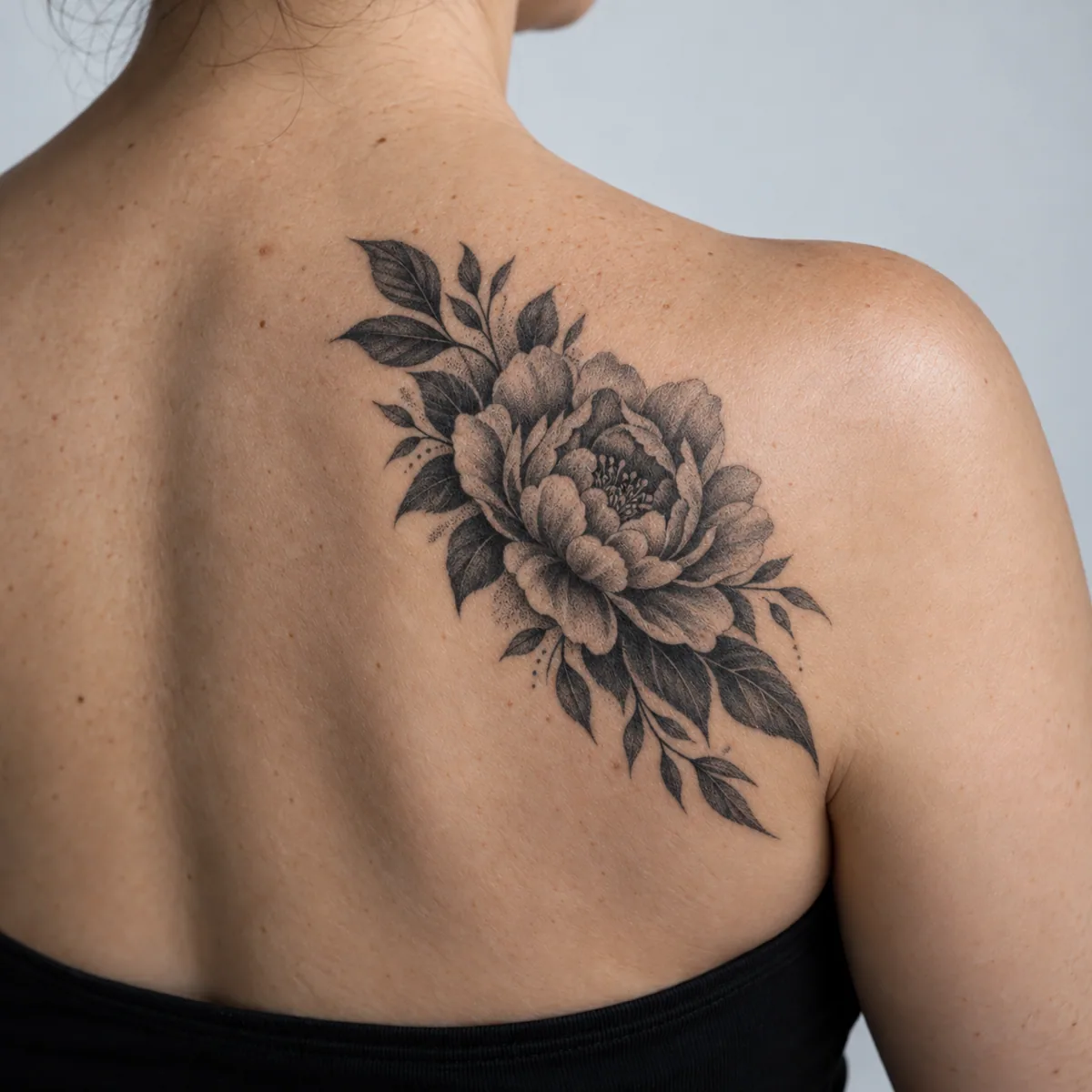
My old tribal piece finally has a plan. The preview showed a peony dense enough to hide it, and my artist agreed.
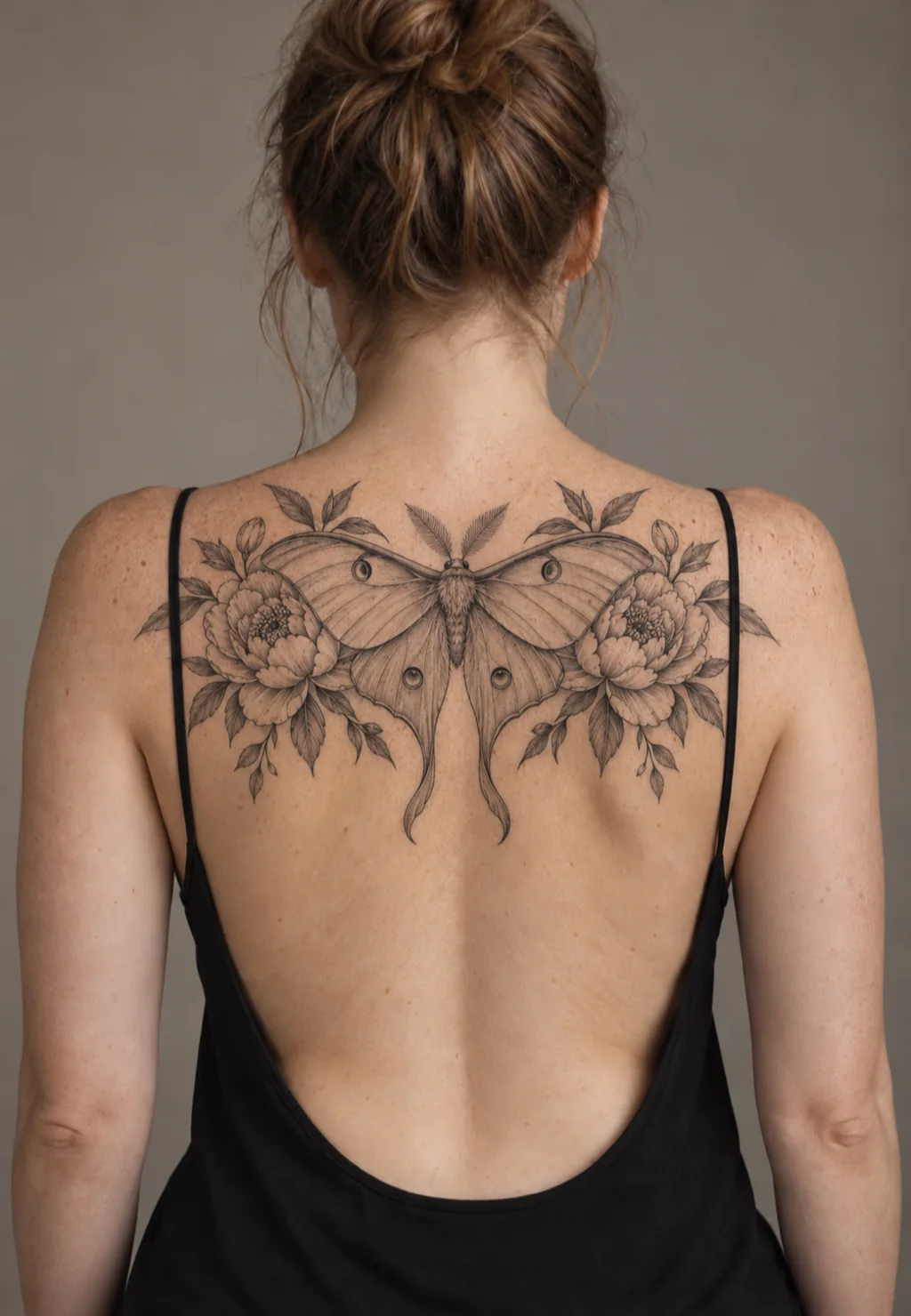
I described my grandmother’s garden at night and got a moth and peony tattoo design that feels like her.
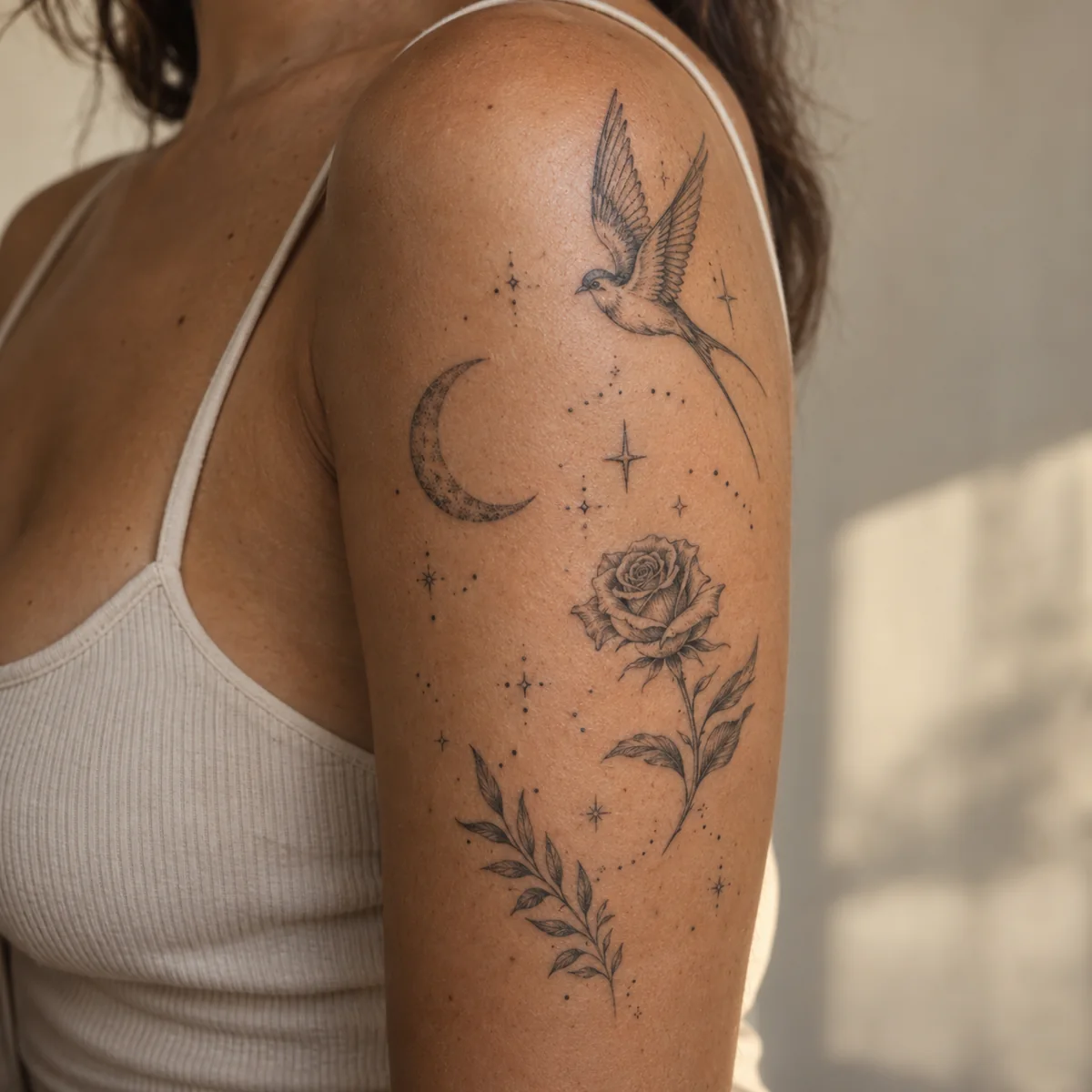
The filler tool linked my small pieces with stars and dots. My arm finally reads as one tattoo.
It turns a written idea, a photo or a name into tattoo artwork. You choose the style, placement and level of detail, and the AI tattoo design generator returns designs you can refine, preview on your body and download.
Describe an idea or upload a reference, choose a style, and generate. Refine the result with Remix, turn it into a stencil, or preview it on your body.
Yes, with a free account. Signing up adds 15 welcome credits, valid for 30 days once your email is verified, and every signed-in user gets one free standard AI generation per day across all eight tools, reset at midnight UTC while the daily free pool lasts. Classic font previews and classic virtual tattoo previews are always free.
Every design you generate is saved to My Ink in your account, where you can favorite, download or share it whenever you need it.
AI operations use credits after your daily free generation. Standard image operations use 10 credits; idea generation uses 2. Advanced models and resolutions display their exact cost before you create.
Yes. With an active subscription or purchased credits you can switch a design to private and unlock HD downloads. Private designs open only from your signed-in account, and earlier public links stop working.
Yes. Download the design and a placement preview, and your artist will adapt the linework, size and details to your skin before tattooing.
Ready to see your idea in ink?
Try the free Tatany AI tattoo design generatorCreate My Design